我们在开发项目时,需要使用到Google Recaptcha,尽管可以安装现成的Forge来集成Recaptcha,但特殊需要,仍然需要手动集成,那么如何在OutSystems手动集成Google Recaptcha呢?
之所有要手动集成Recaptcha,是因为页面存在动态交互行为,像一些表单,例如登录,注册等功能,用户需要点击相应的链接或者按钮才会出现,这时侯就需要动态加载Recaptcha,还有些复杂的页面,直接使用Forge,会存在多次加Recaptcha脚本导致控制台出现错误:”Uncaught Error: reCAPTCHA has already been rendered in this element”。
reCAPTCHA v3 简介
reCAPTCHA v3 可帮助您检测网站上存在滥用行为的流量,而无需用户互动。reCAPTCHA v3 不会显示人机识别系统验证,而是会返回一个得分,以便您为自己的网站选择最合适的操作。
如何在OutSystems手动集成Google Recaptcha
本文将带你一步一步实现 “纯 JS + OutSystems Action” 的手动集成方案(生产级),并解决常见问题,如:
二、整体架构设计
核心思想:
OutSystems Button
        ↓
RunJavaScript
        ↓
RecaptchaManager.execute()
        ↓(Promise)
获取 token
        ↓
回调 OutSystems Action
👉 关键点:
- Recaptcha 是 异步执行
- OutSystems 不会等待 JS
- 必须在 JS 内回调 Action
三、动态加载 Recaptcha Script
window.loadRecaptcha = function (siteKey) {

    return new Promise(function (resolve) {

        if (window.grecaptcha) {
            resolve();
            return;
        }

        const script = document.createElement("script");
        script.src = "https://www.google.com/recaptcha/api.js?render=" + siteKey;
        script.async = true;
        script.defer = true;

        script.onload = function () {
            resolve();
        };

        document.head.appendChild(script);
    });
};
👉 特点:
- 避免重复加载
- 支持动态获取 siteKey(适合 Server Action)
四、Recaptcha 执行封装
window.RecaptchaManager = {

    siteKey: null,

    init: function (key) {
        this.siteKey = key;
    },

    execute: function (action) {

        return new Promise(function (resolve, reject) {

            if (!window.grecaptcha) {
                reject("grecaptcha not loaded");
                return;
            }

            grecaptcha.ready(function () {

                grecaptcha.execute(window.RecaptchaManager.siteKey, {
                    action: action
                }).then(resolve).catch(reject);

            });

        });
    }
};
五、OutSystems 调用
在 Client Action 中使用 RunJavaScript:
(async function () {

    if (window.isSubmitting) return;
    window.isSubmitting = true;

    try {

        const token = await RecaptchaManager.execute($parameters.Action);

        if (!token) throw "Empty token";

        $public.RecaptchaToken = token;

        // ✅ 回调 OutSystems
        $actions.OnRecaptchaSuccess();

    } catch (err) {

        $public.RecaptchaError = err;

        $actions.OnRecaptchaError();

    } finally {

        window.isSubmitting = false;

    }

})();
六、为什么不能同步执行?
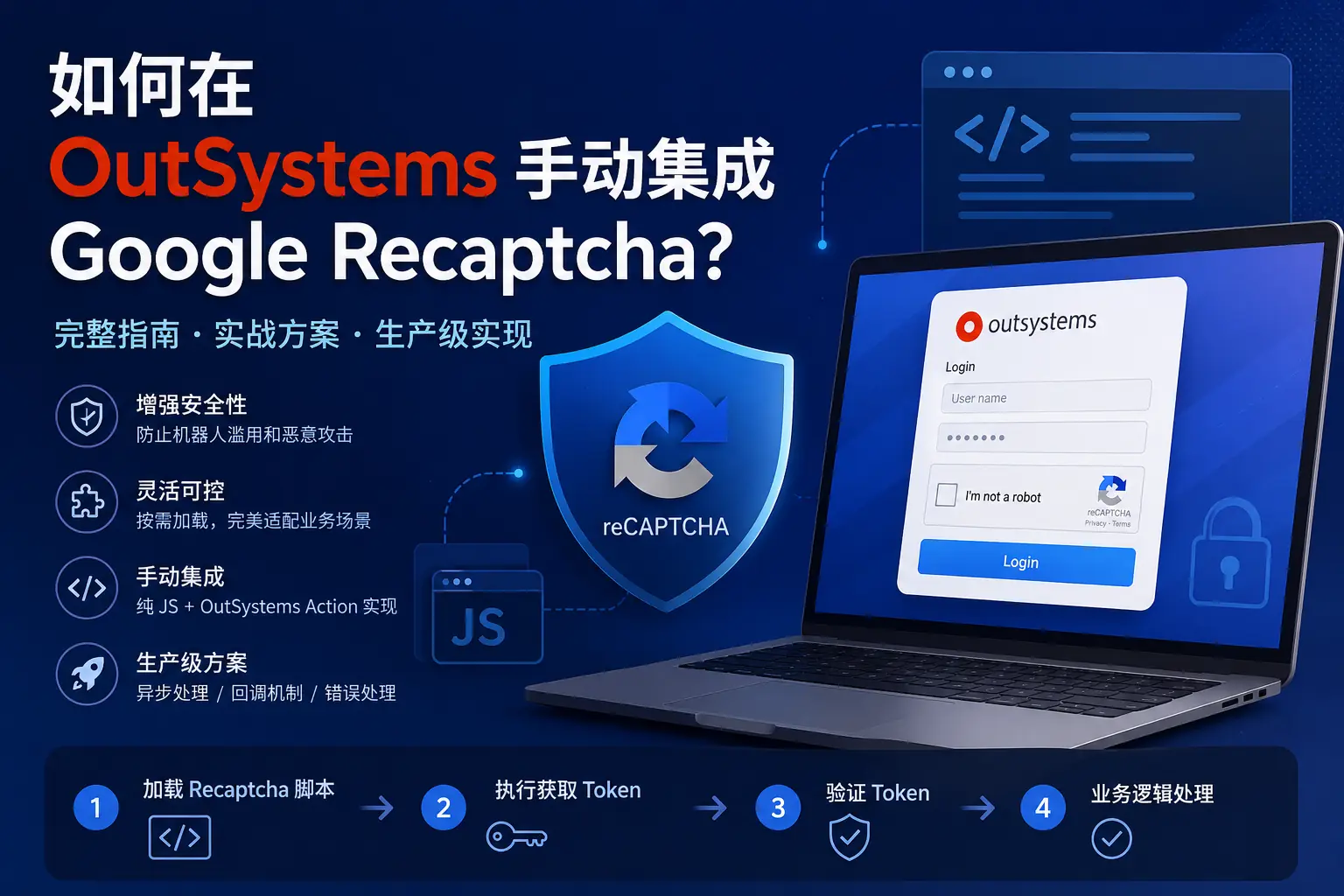
很多开发者会问:
👉 能不能让 Recaptcha 同步返回?
答案是:
❌ 不可以
原因:
- Recaptcha 依赖网络请求
- 返回 Promise(异步机制)
👉 正确方式:
- 使用
async/await - 或
.then()
七、如何在 OutSystems 中模拟回调委托?
OutSystems 不支持:
传 Action 作为参数(委托)
👉 解决方案:
✔ 在 JS 中直接调用:
$actions.OnRecaptchaSuccess()
👉 这是生产环境标准做法
八、隐藏 Recaptcha 右下角 Badge
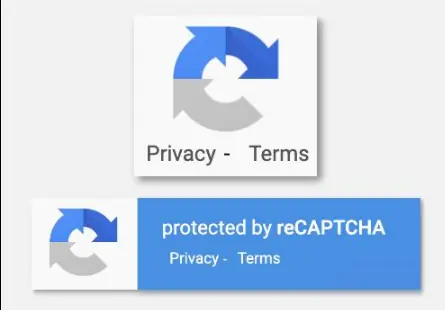
加载 Recaptcha 后,会自动出现右下角标识。
1️⃣ 隐藏 Badge
.grecaptcha-badge {
    visibility: hidden !important;
}
2️⃣ 必须添加声明(Google 要求)
This site is protected by reCAPTCHA and the
Privacy Policy and Terms of Service apply.
九、动态页面处理
由于 OutSystems 页面是动态的,推荐使用 MutationObserver:
(function () {

    const observer = new MutationObserver(function () {

        const badge = document.querySelector('.grecaptcha-badge');

        if (badge) {
            badge.style.visibility = 'hidden';
            observer.disconnect();
        }

    });

    observer.observe(document.body, {
        childList: true,
        subtree: true
    });

})();
十、常见问题排查
1️⃣ Promise 一直是 pending
原因:
- script 未加载
- siteKey 错误
- 域名未配置
2️⃣ token 为空
原因:
- action 不一致
- grecaptcha 未 ready
3️⃣ Action 未执行
原因:
- JS 不在 RunJavaScript 中执行
- $actions 不可用
生产最佳实践总结
✔ 使用动态 script 加载
✔ 使用 async/await 控制流程
✔ JS 内回调 OutSystems Action
✔ 防止重复点击(isSubmitting)
✔ 隐藏 badge + 添加声明
✔ 使用 MutationObserver 适配动态页面
写在最后
手动集成 Google Recaptcha 在 OutSystems 中虽然复杂,但带来的收益非常明显:
- 更高性能
- 更好控制
- 更强扩展性
👉 一旦封装完成,可以在多个页面复用,甚至封装成内部组件或 Forge 模块。

【江湖人士】(jhrs.com)原创文章,作者:江小编,如若转载,请注明出处:https://jhrs.com/2026/55198.html
扫码加入电报群,让你获得国外网赚一手信息。